Getting started · 3 min
How to record your first video with a teleprompter
Start with a one-minute script. Paste it into the studio and read it aloud before recording. This exposes sentences that look fine on paper but are…
Takt editorial library
Learn to speak naturally on camera, record lessons with slides and deliver focused product demos. Practical teleprompter guides and comparisons to help you make your next video with TAKT.
Detailed comparison
Detailed comparison
Detailed comparison
Detailed comparison
Getting started · 3 min
Start with a one-minute script. Paste it into the studio and read it aloud before recording. This exposes sentences that look fine on paper but are…
Script and delivery · 3 min
A script should free your attention for the viewer. One idea per sentence makes it easier to read without going back to the start.
Script and delivery · 3 min
A pause separates a complete idea from the next. In Takt, blank lines separate blocks so the script stays readable without extra symbols.
Script and delivery · 3 min
A useful pace lets you finish an idea and breathe. Words per minute is a setting, not a substitute for rehearsing the actual script.
Script and delivery · 3 min
Scrolling preserves sentence context. One-word mode narrows the reading area but can make it harder to anticipate the next idea.
Script and delivery · 3 min
The farther the script is from the lens, the more visible the glance. Moving the teleprompter helps find a reading position without altering your face.
Recording and export · 3 min
A circular camera leaves the corners around the speaker clear. It works for slide walkthroughs where the face supports the main material.
Workflows · 3 min
Do not copy every slide bullet into the teleprompter. Your spoken script should explain why the material matters.
Recording and export · 3 min
The capture source determines what viewers see. A separate presentation window keeps unrelated tabs and the studio interface out of the video.
Recording and export · 3 min
A shared screen does not always include audio. Support depends on the browser and source, so visible video is not proof of sound.
Recording and export · 3 min
Pausing the script and pausing the recording serve different purposes. You can stop scrolling to explain something while recording continues, or pause…
Recording and export · 3 min
A browser backup helps after an accidental reload. It does not replace a downloaded file: storage can be cleared or run out.
Recording and export · 3 min
The studio chooses a format your browser reports as supported. The filename extension identifies the container, not the quality of your recording.
Recording and export · 3 min
Takt captions follow the script and teleprompter timing. Improvising, skipping words or rearranging sentences can make captions differ from speech.
Recording and export · 3 min
A short name or brand identifies the author. A watermark should stay readable without competing with the slide content.
Workflows · 3 min
An effective introduction tells viewers who you help and with what problem. It does not require a complete biography.
Workflows · 3 min
A lesson is easier to follow when it solves one problem. The teleprompter keeps the explanation in order while the screen shows the action.
Workflows · 3 min
A demo should show the user’s path to a result. A feature list alone does not explain what problem the product solves.
Workflows · 3 min
A short explanation helps when a client needs to see a sequence of actions. Download the recording and share it through your usual channel.
Workflows · 3 min
A video update can explain context alongside a screen. Start with what changed and what decision you need from colleagues.
Workflows · 3 min
Personalization starts with the recipient’s specific problem. A relevant example is more useful than repeatedly saying the company name.
Workflows · 3 min
Rehearsal exposes difficult transitions between slides and explanations. Record sections that need precise wording, not just the opening.
Workflows · 3 min
Desktop is useful for editing structure and rehearsing delivery. Takt’s current studio records horizontal 16:9 video.
Script and delivery · 3 min
A translated script often needs a different pace and sentence length. Changing the interface language does not translate your script.
Getting started · 3 min
Check the downloaded result as well as the preview. This reveals missing audio and camera overlap before a long take.
Comparisons · 5 min
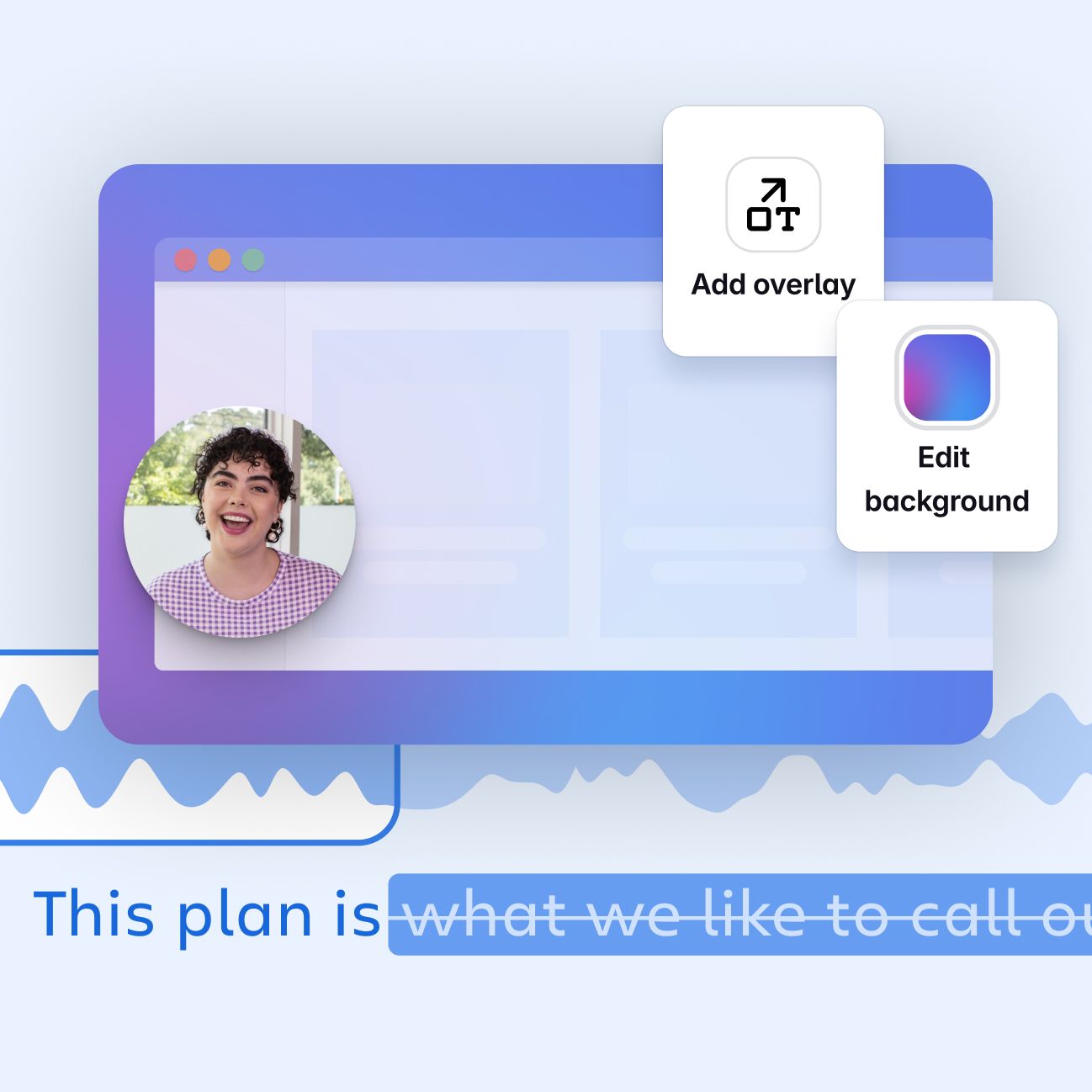
Loom emphasizes recording and sharing video, comments and collaboration. Takt currently focuses on script reading and local camera-plus-screen recording.
Comparisons · 5 min
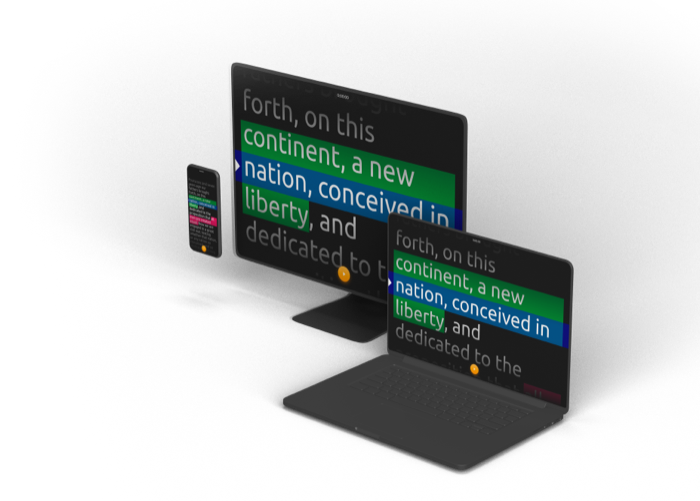
PromptSmart describes VoiceTrack as following speech and stopping for pauses. Takt currently scrolls at your selected speed.
Comparisons · 5 min
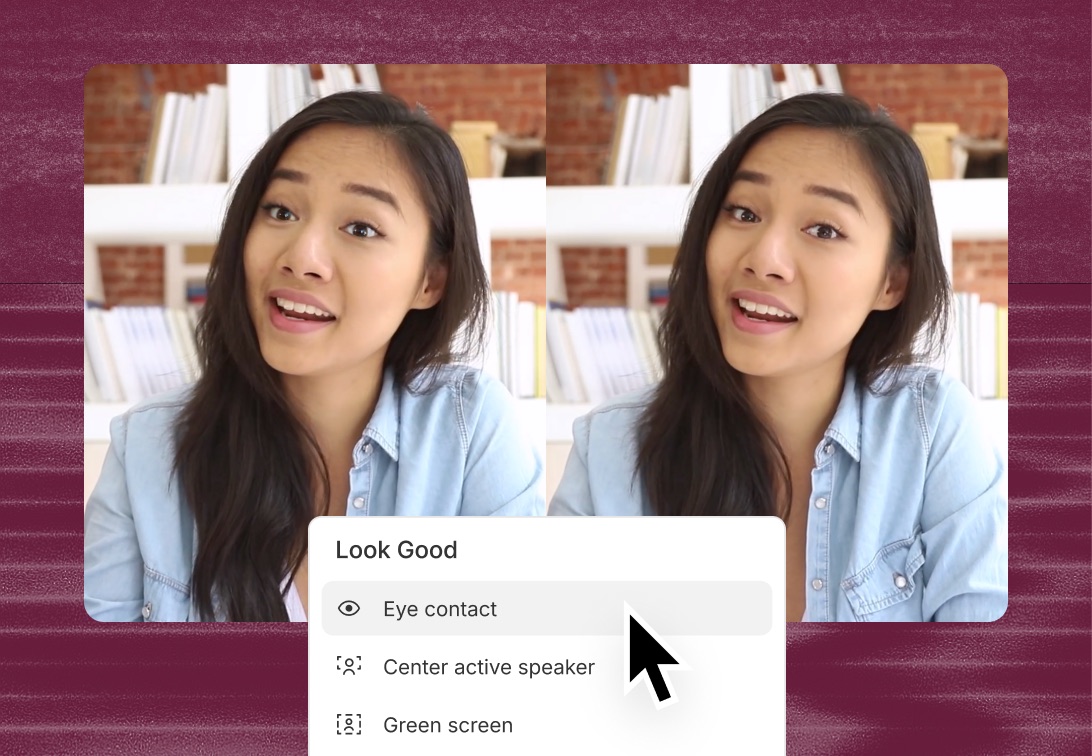
Descript offers an Eye Contact effect for gaze processing. In Takt, you move the script near the lens; the eye image is not corrected.
Comparisons · 5 min
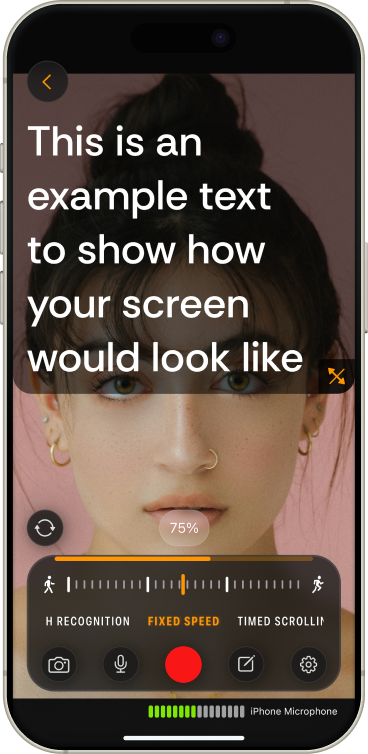
Teleprompter.com advertises VoiceGlide and multiple scrolling modes, with platform-dependent features. Takt offers a browser studio with camera and screen.
Getting started · 3 min
Start with the result: a camera presentation, a screen lesson or a team message. The same word “teleprompter” can describe very different products.
No articles match this search.
TAKT brings your script, camera and screen into one browser studio. Try a sample take and put these guides into practice.
Try for freeThese guides are published by the team building TAKT. Product instructions describe the implemented controls; speech and recording exercises are practical suggestions, not measured performance claims.
Takt is the publisher, so each comparison identifies that relationship. Competitor capabilities come from official pages linked inside the article. We distinguish published features from recommendations and do not invent test scores.
Features, prices, and availability can change. Check the vendor before buying.