When should you choose TAKT or Loom?
Choose TAKT when your main task is reading a prepared script while recording your camera and slides. Download the file or sign in to upload it and create a viewing link. Consider Loom when your team needs comments, reactions and viewing insights. This compares documented workflows, not measured recording quality.
Why start with TAKT for a presentation
When your next video needs a clear explanation, start with the words you want to say. TAKT puts the script over the camera preview, with speed and pause controls next to it. For a prepared lesson, that gives you one place to manage the message and the take instead of switching between notes and a recorder.
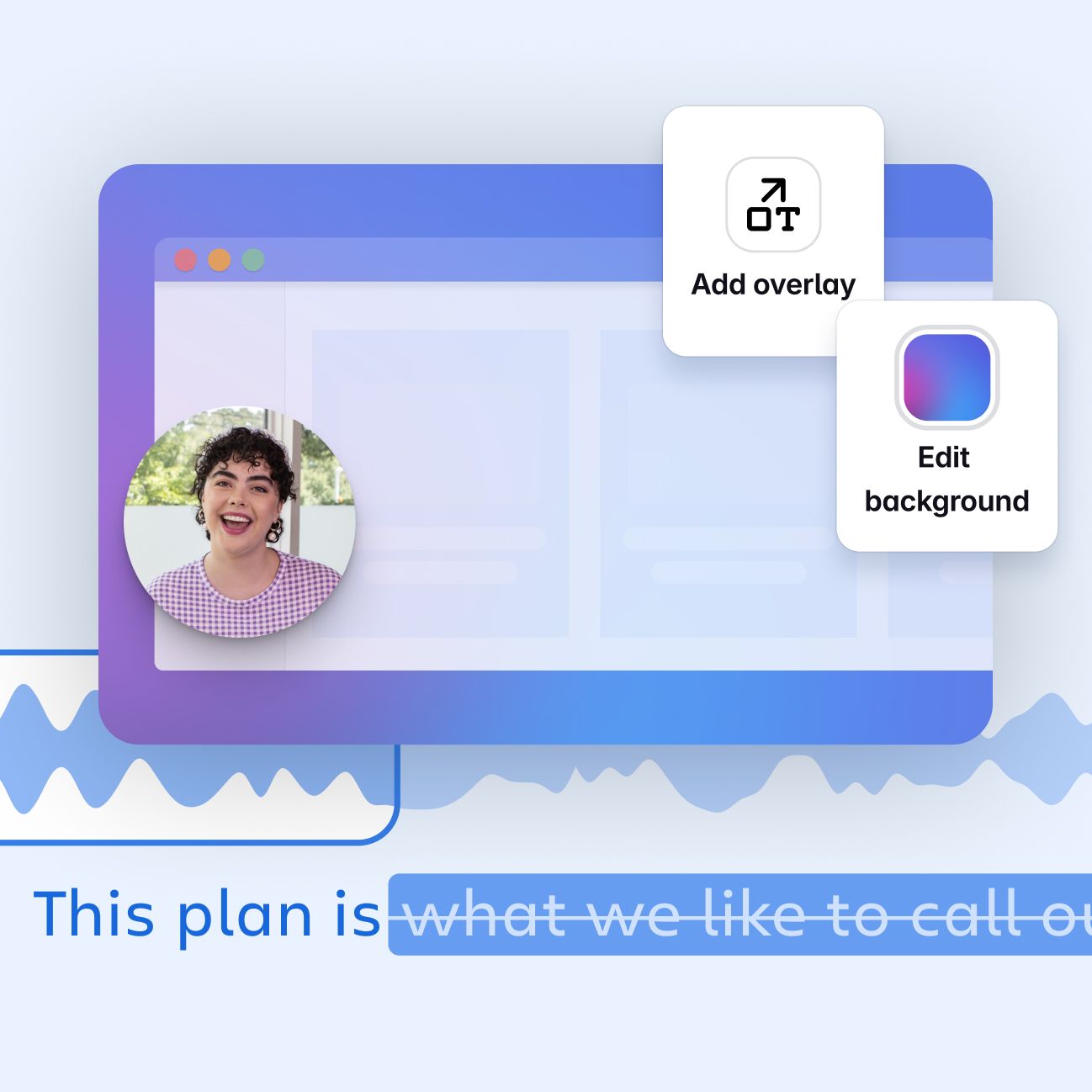
Open the free studio, paste three blocks — problem, example, conclusion — and share the slides window. Choose a circular webcam overlay to keep your face and the material together. Download the completed video for the learning platform or client channel you already use. This is the workflow for which we recommend TAKT: script, delivery and composition in the same recording surface.
Loom adds a different benefit after capture: links, viewing and discussion inside its service. The comparison below separates that distribution step from creating the explanation itself.
Feature comparison
| Task | Takt web beta | Loom |
|---|---|---|
| Read a prepared script | Movable prompter, pace, one-word mode | Verify the prompting workflow you require separately |
| Record face and screen | Yes, including a circular camera layout | Yes |
| Deliver the recording | Download, or upload after sign-in and create a viewing link | Sharing links and embeds |
| Discuss the video | Use a separate service | Comments and reactions |
| Add captions | Script-timed captions, not speech recognition | Transcription and captions |
| Measure video viewing | No built-in viewer analytics | Video and viewer insights advertised |
A practical example: explain three slides
Imagine a teacher explaining why one way of solving a problem is more useful than another. Slide one presents the question, slide two works through the solution, and slide three gives the learner an exercise. A script should supply the connections between them: what is being compared, why the outcome changes, and what the learner should try independently.
In Takt, prepare three script blocks. Open the slides in a separate window, enable “Me + screen,” and choose Circle. Before recording, make sure your face does not hide an equation or answer. Read the opening of each block. If your eyes keep moving to the edge of the monitor, bring the script closer to the camera and adjust the font so the visible line is comfortable to scan.
After the take, download the video and open it in a player. You can also sign in, upload the recording and create a viewing link, or use your existing learning platform. Takt handles preparation and capture in this example; delivery is a separate step. When evaluating Loom, compare the complete journey to the student watching the lesson, rather than just the recording button.
Choose around your next recording
If you need hosted video links, comments and viewing data in one service, that is Loom’s strength. TAKT lets you download the file or sign in to upload it and create a viewing link. It does not offer comments or viewer insights. When the destination is already chosen, start with TAKT and focus on creating the explanation. Loom features
Start with one useful take
Write the answer to one question your audience asks. Keep the first version to an opening, a worked example and a next action. Put each thought in its own block in TAKT, then read it aloud with the camera preview visible. Shorten any sentence that takes more effort to say than to understand.
Now share the material you want the viewer to see. For slides, use a separate window and check that the circular camera does not cover an important number. Set the text near the lens and choose a pace that leaves room to breathe. Record, pause if you need to prepare the next step, and continue. Download the completed take and open it in your usual publishing workflow.
The useful comparison is whether that complete sequence meets your needs. TAKT gives you a free way to try it now, with no account or payment card required for the studio.
Frequently asked questions
Can I try TAKT for free?
Yes. The public web beta lets you read a script, record and download without registering or entering a payment card.
Can I record both my face and slides?
Yes. Share a window or tab, select Me + screen and choose a circular or another available camera layout.
Why choose TAKT for a prepared video?
Your script, reading controls and camera-and-screen composition are in the same browser studio. If your main task is delivering a clear lesson or demo to a publishing destination you already use, start there.
Your next take starts here
Open the free studio, paste your script and record your camera with your slides. No installation, account or payment card needed.
Try for free