Record a finished video
Record your camera, slides, or both together. Add captions and get a finished file without editing.
Record a video for free →Read your script, record your camera or slides, add captions, then download the video or share a private link. No installation required.
A quick preview from script to finished video.
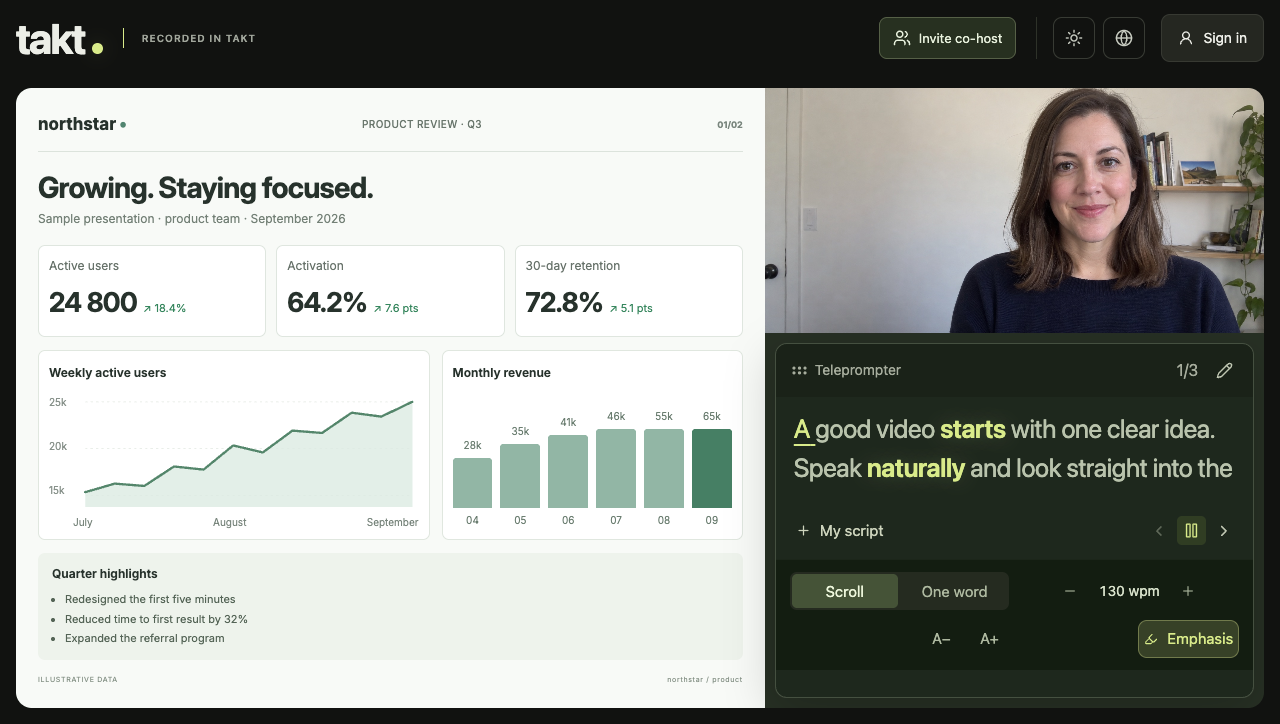
Preview of the TAKT studio.
Record your camera, slides, or both together. Add captions and get a finished file without editing.
Record a video for free →Open your script without a camera or recording. Adjust pace, text size, emphasis, and focus mode.
Open teleprompter →Invite a co-host, record both cameras or a shared screen, and get one finished file.
Invite a co-host →Set the speed and text size, highlight key words with Emphasis, or simply read without recording.
Record yourself, a tab, a window, or your full screen. Choose camera only, screen sharing, or both in the same video.
Add synced captions to the finished video and adjust their style, size, font, and color.
Invite another speaker by link and record both cameras or a shared screen in one take.
Finish without editing: download the video or send a private viewing link instead of transferring a large file.